1
external stakeholder (Iovine & Young Academy)
8
sprints
9
testers outside the team
The user & problem
People learning Rubik’s cube algorithms usually follow 2D videos and notation, then try to map flat instructions onto a 3D object in their hands. That translation step is where most learners get stuck.
The bet
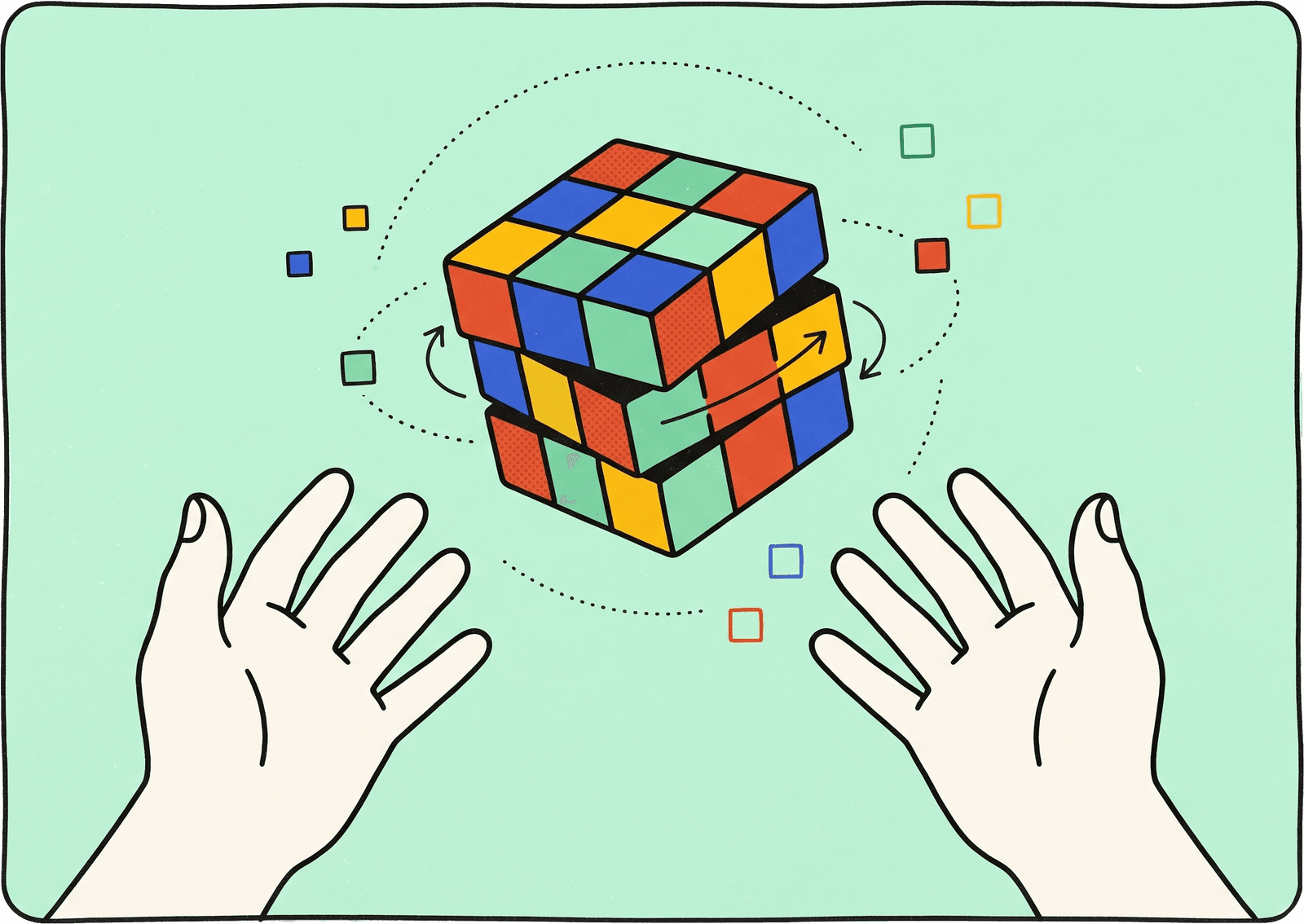
In spatial computing the instruction and the object share the same space. A cube you can grab and turn, with the next move shown on the cube itself, removes the translation step entirely.
Decisions & trade-offs
Hand gestures over the standard pinch
Grabbing and turning the cube beat the built-in gesture.
We started with buttons and visionOS’s own pinch, then moved to grabbing and turning the cube directly. Testers said that was the version that felt like the real thing — and a product about building muscle memory for a physical object probably ought to move like one.
Guided lessons over a full solver
The flashier demo lost to the one we could actually test.
A solver would have demoed better. A guided set of beginner algorithms was what learners needed, and it was the only version we could put in front of testers before the semester ended.
What testing changed
The loudest finding was physical. Holding your arms up to grab a floating cube is fine for a demo and exhausting for a lesson — which is a problem, because the whole point is repetition.
The fix wasn’t to reverse the gesture decision. It was to stop treating it as a decision: grab and turn the cube when you want the real motion, or pinch with your hands resting in your lap when you don’t. The realistic version stayed the default and stopped being the only option.
Everything below came out of those sessions and went into the build before we delivered.
A speed control
Testers split on pace — which meant two users, not one preference.
Some wanted to watch each move land. Others already knew the algorithm and wanted reps. That isn’t one preference, it’s two different people using the same screen, and a slider served both without us having to pick one.
Custom skins
A cosmetic request that turned out to be an accessibility one.
The standard cube colours are hard to tell apart if you’re colourblind — in a product where the entire interaction depends on telling them apart. It arrived as personalisation and got built as accessibility.
Optional on-cube arrows
Direction drawn on the cube itself, off by default.
Arrows showing the steps of an algorithm, on the cube rather than beside it. A toggle rather than a default, so it stays uncluttered for the people who don’t want them.
More solving methods
Mostly a sign testers finished what we had.
Support for more than the beginner set. Worth noting less for the feature than for what the request implies — they got all the way through everything we built.
What stayed out
Multiplayer and heavier gamification came up repeatedly and never made the MVP. Both are good ideas for a product with more than a semester in front of it, and both would have cost us the thing we could actually finish and test — so they went on the next list instead of the build.
What I’d point to
A few testers went out and bought a physical cube afterwards, and learned to solve it. Nothing about this project launched, so that’s the outcome I’d actually defend: people carried the thing they learned out of the headset and into their hands.
How I ran it
Scrum master for the engineering team, and the main contact with our stakeholder from USC’s Iovine & Young Academy: sprint planning, demos and keeping scope honest against the semester deadline.
The stakeholder pushed hardest on the cube behaving like a real object, so I built the cube model and its movement system myself — how a face turns, what a partial rotation snaps to, what a grab does mid-move. Built with SwiftUI, RealityKit and ARKit.
Up next
Taking the wait out of identity checks